
From a photo to a closer look.
Butterfly ID suggests what you might have found. Your own observation and the field guide help you check it.
- 01
Choose the right country.
Use the country where you found the butterfly. Different countries have different species lists and models. Your language stays the same.
- 02
Make the butterfly visible.
A sharp photo with the wings in view gives the model more to work with. Avoid distant subjects, motion blur and busy backgrounds.
- 03
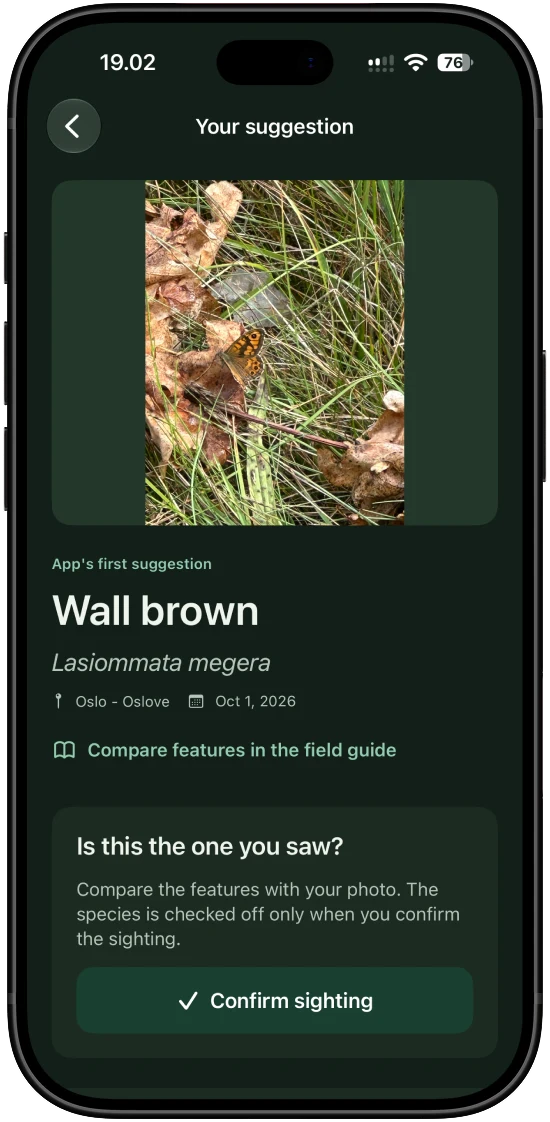
Compare the suggestions.
Look at markings, wing shape and similar species. Model confidence is a score, not a guarantee that the identification is correct.
Offline on iPhone. Online in your browser.
The iPhone app downloads a country model and guide for local use. The web tool sends a selected photo to the server for analysis and needs internet access.
A suggestion is a starting point. Check features and alternatives before confirming a rare or uncertain sighting.
How does a model learn to recognise a butterfly?
An image model learns patterns in photographs: wing shape, markings and colours. Each country has its own model and species list. The details below describe the documented training for Norway and Sweden; the Danish model has its own training process.
- Model architecture
- EfficientNetV2-M
- Image size
- 576 × 576 px
- Model classes
- 102 in Norway · 110 in Sweden
A foundation from ImageNet
Norway and Sweden use EfficientNetV2-M, a neural network for image recognition. It starts with ImageNet-21k weights further tuned on ImageNet-1k, then is fine-tuned on labelled photographs of each country’s butterfly species. This is called transfer learning.
Separate training and test images
Images are assigned to fixed groups targeting 80% for training, 10% for validation and 10% for testing. Images from the same recorded observation stay together. Perceptual image hashes also group near-identical photographs within each species, keeping those groups in a single partition.
Training, selection and evaluation
Random image variations are used during training, and an exponential moving average of the model weights (EMA) produces candidate models. The validation partition is used to select the model. Only then is the selected model evaluated once on the locked test partition. Random training variations are not used during identification.
From pixels to a suggestion
The model produces one raw score, a logit, for each model class. Softmax converts the scores into values used to rank suggestions. A fixed class mapping connects each score to the correct species. The country pack makes the model available locally on iPhone; the selected language determines names and text.
The exact image preprocessing
For Norway and Sweden, EXIF orientation is corrected first and the image is converted to RGB. Bicubic resizing with antialiasing preserves its proportions and makes the shorter edge 606 pixels. A central 576 × 576 pixel crop follows. Colour channels are normalised with mean 0.5 and standard deviation 0.5, and the model receives float32 data in NCHW format. The image is not stretched into a square.
(RGB / 255 − 0.5) / 0.5Image scores and context
Location and season can help assess a sighting, but they do not change what is visible in the photograph. In the final selected Norwegian and Swedish models, the weight of the evaluated sightings-statistics prior is 0.0, so that prior does not change their image-based ranking.
Have a photo on your computer?
You can also identify a photo in your browser. The web tool uses an online service; the iPhone app analyses photos locally after you download a country pack.